 DocumentFlow Desk
Connect the contents document to the chapter files
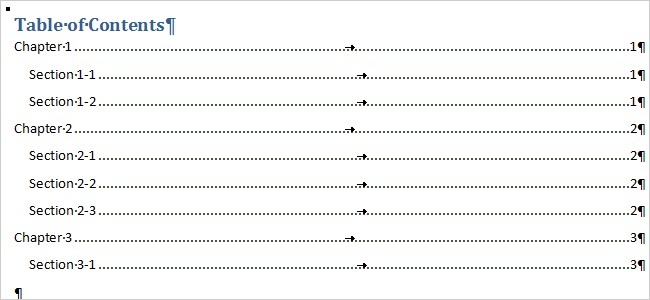
The Word 2010 guide describes creating a separate contents document and inserting an RD, or Reference Document, field for each chapter through Quick Parts and Field. The chapter files must use built-in heading styles. Keeping them in the same folder simplifies relative paths; otherwise the field needs the correct full path. After adding the references, insert an automatic table of contents before the fields.
Maintain the chapter page numbering
The combined contents page does not automatically establish a continuous starting page number across independent files. The guide explains that chapter starting numbers need adjustment, and later chapters must be checked again when earlier pagination changes. This makes the method more demanding as the collection grows. Test it with the Word version in use, keep the reference paths stable, and refresh the table after reviewing headings and page numbers in the source documents.





















Comments
0