 DocumentFlow Desk
Create the table from the document's structure
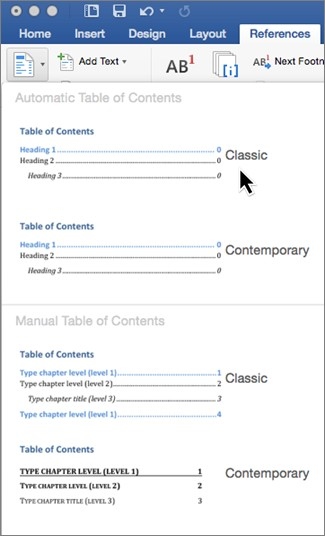
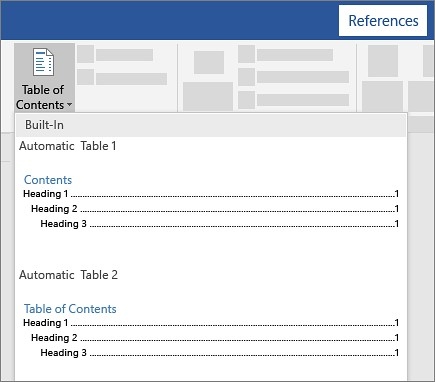
Place the cursor where the table belongs and choose an automatic contents style from the References tab. Word uses the headings to generate entries and their levels, so changes to the actual document can later be reflected through an update. A manual table may look similar, but its placeholder entries need to be typed and maintained separately.
Apply a heading style when a section is missing
If a title does not appear in the automatic table, check whether it is formatted as a real heading. Select the title, apply the appropriate style from Home and Styles, then update the table. Simply enlarging or bolding normal text does not establish the same structure. Confirm the final entries after changing heading levels or section order, especially before sending a longer report whose readers rely on its contents page for navigation.





















Comments
0