 DocumentFlow Desk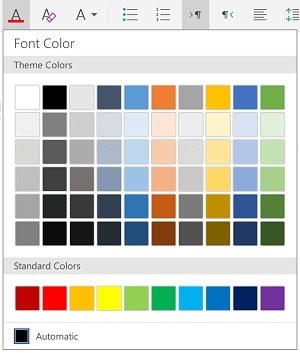
Select the right amount of text before formatting
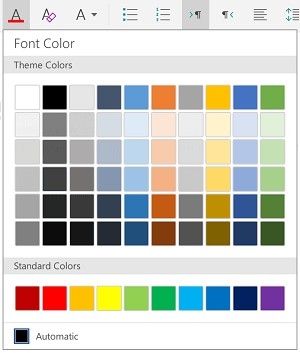
Tablet versions of Word provide different gestures for selecting a word, a group of words, or a paragraph. After selection, font name, size, color, and emphasis controls change the intended text rather than the entire file. Defined styles offer another route to a consistent appearance. The exact arrangement of controls can change with the platform and screen orientation, so inspect the relevant formatting menu when an option is not immediately visible.
Use paragraph tools for the document structure
Alignment, indentation, and spacing affect how the text reads across the page. Bullet and numbered lists provide clearer organization than manually adding symbols to each line. Apply those tools to the appropriate paragraphs and choose a consistent list style. This keeps formatting changes connected to the document's hierarchy and purpose, making a tablet-edited draft easier to read and continue editing later.






















Comments
0