 DocumentFlow Desk
Make the structure understandable
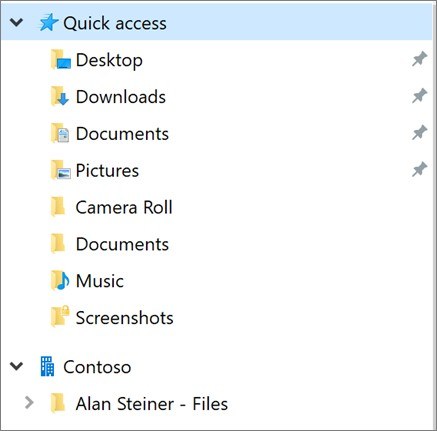
Google's Drive guidance recommends short, meaningful names and a simple folder structure that can grow with the work. Start with a folder for each project, then add subfolders for topics or assignments where they help people find material. Dates, project names and descriptive keywords can make individual documents easier to identify. Stars provide quick access to important items, while folder colors serve as personal visual cues rather than a shared organizational rule.
Move items with permissions in mind
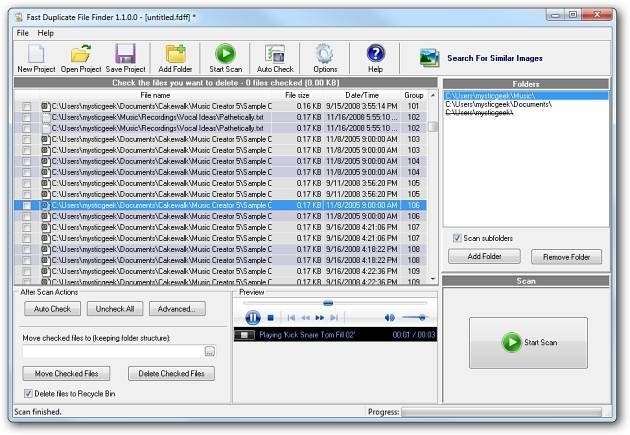
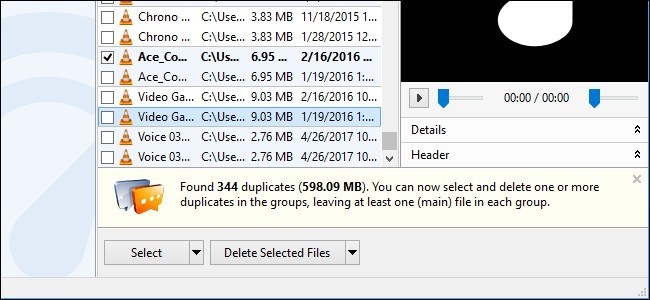
Use Organize and Move to place an item in its intended folder, or drag it to the destination. Moving requires appropriate permissions at both ends; otherwise Drive may create a shortcut instead. A shortcut references an existing file without creating another independent document, and deleting that shortcut leaves the original intact. Descriptions can add context beyond a short filename. To investigate possible duplicates, switch to list view, sort by name and search for relevant file types or similar titles before deciding what to remove.







Comments
0