 DocumentFlow Desk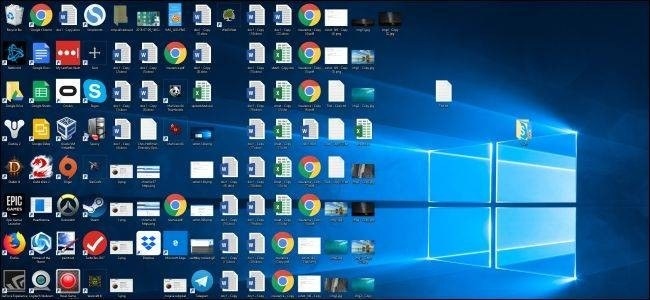
Separate convenience from storage
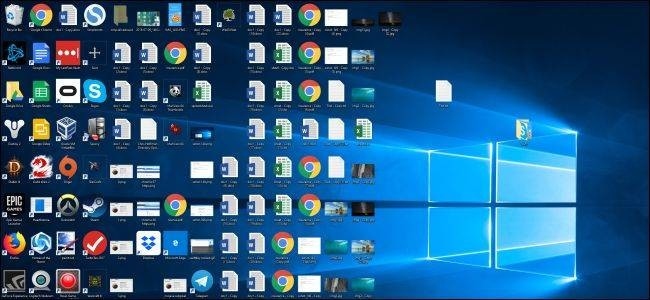
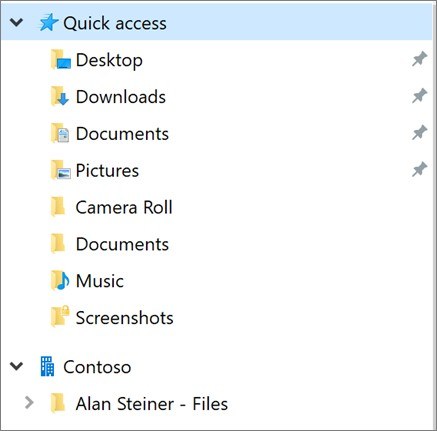
A crowded desktop mixes program shortcuts, finished documents and work still in progress. How To Geek recommends grouping related items into folders and moving completed files into more appropriate locations. Right click the desktop to create a new folder, give it a useful name and move the relevant documents inside. Sorting icons by name or modification date can help locate material during the initial cleanup, but sorting alone does not create a durable filing system.
Clear completed work regularly
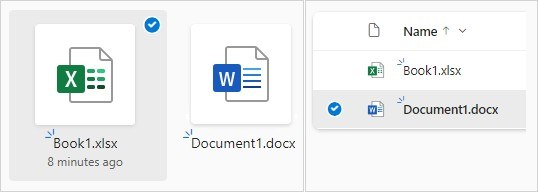
Treat the desktop as a temporary workspace for a current spreadsheet, downloaded reference or scanned document. Once the task is complete, move those files to a project folder in Documents or another established location. Program shortcuts can move to the taskbar or Start menu instead of occupying the same space as working files. Hiding desktop icons is also possible, but it changes visibility rather than moving or organizing the files. Keep the underlying folders understandable even when the desktop looks tidy.








Comments
0