 DocumentFlow Desk
 -

Generate a Word Contents Page from Real Heading Styles
An automatic table of contents depends on document structure and can be refreshed as sections change.
-
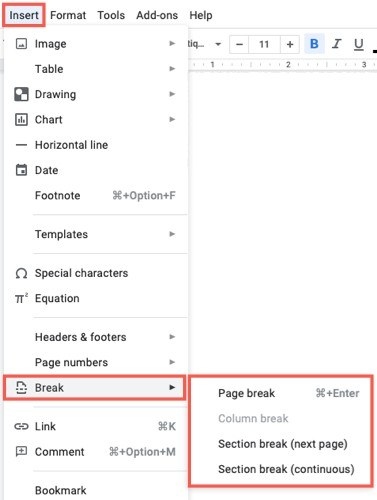
Use Heading Styles to Organize the Google Docs Outline
The outline makes styled headings navigable, while non-printing characters reveal the document’s underlying breaks and spacing.
-
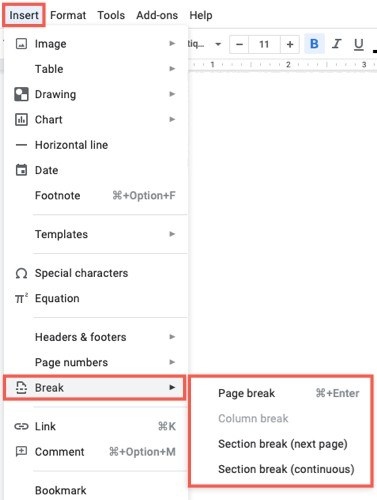
Keep Google Docs Paragraph Formatting Consistent
Styles and spacing controls provide repeatable formatting for headings and body paragraphs.
-
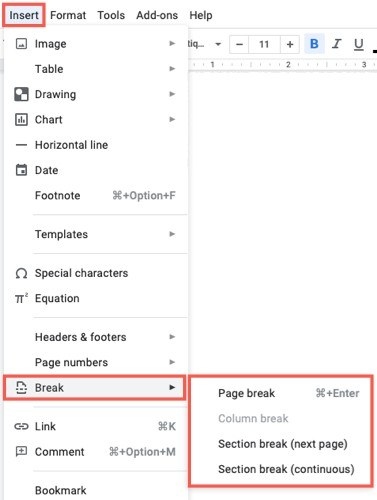
Standardize Google Docs Heading Styles and Contents
Shared text styles organize the document and provide the structure for a generated table of contents.
-

Make Google Docs Headings Feed a Useful Contents Page
A generated table of contents depends on heading styles and needs refreshing after structural changes.
-

Navigate Google Docs with Heading-Based Outlines
A document outline uses heading styles to show structure and provide links to sections.
-
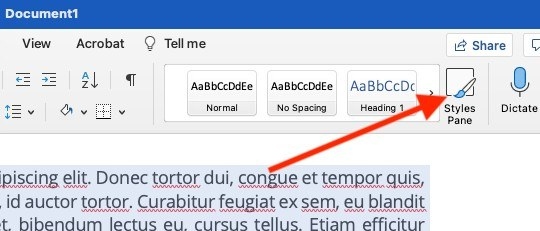
Reset Inconsistent Word Text Formatting Before Rebuilding Styles
Clearing formatting can return selected text to a simpler baseline, but separate document areas need separate attention.
-
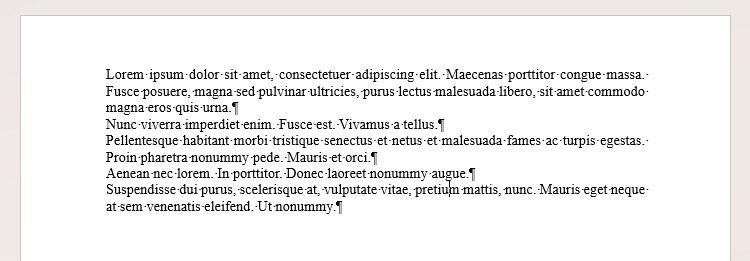
Replace Fragile Word Formatting with Paragraph and List Tools
Paragraph spacing and automatic lists keep a document easier to revise than repeated blank lines and typed numbers.
-
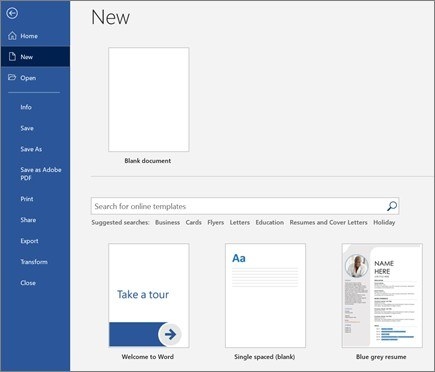
Start a Word Document with Consistent Formatting Tools
Word provides blank documents, templates, text formatting, and insert controls within the desktop application.
-
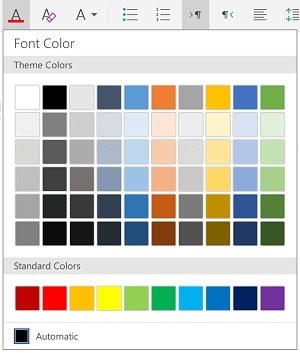
Format Word Text and Paragraphs on a Tablet
Selection, styles, spacing, and list controls provide a structured way to improve a document on a touch device.

