 DocumentFlow Desk
Recognize text when the PDF contains scanned pages
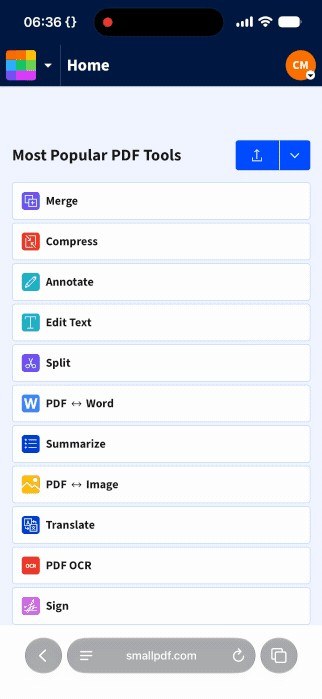
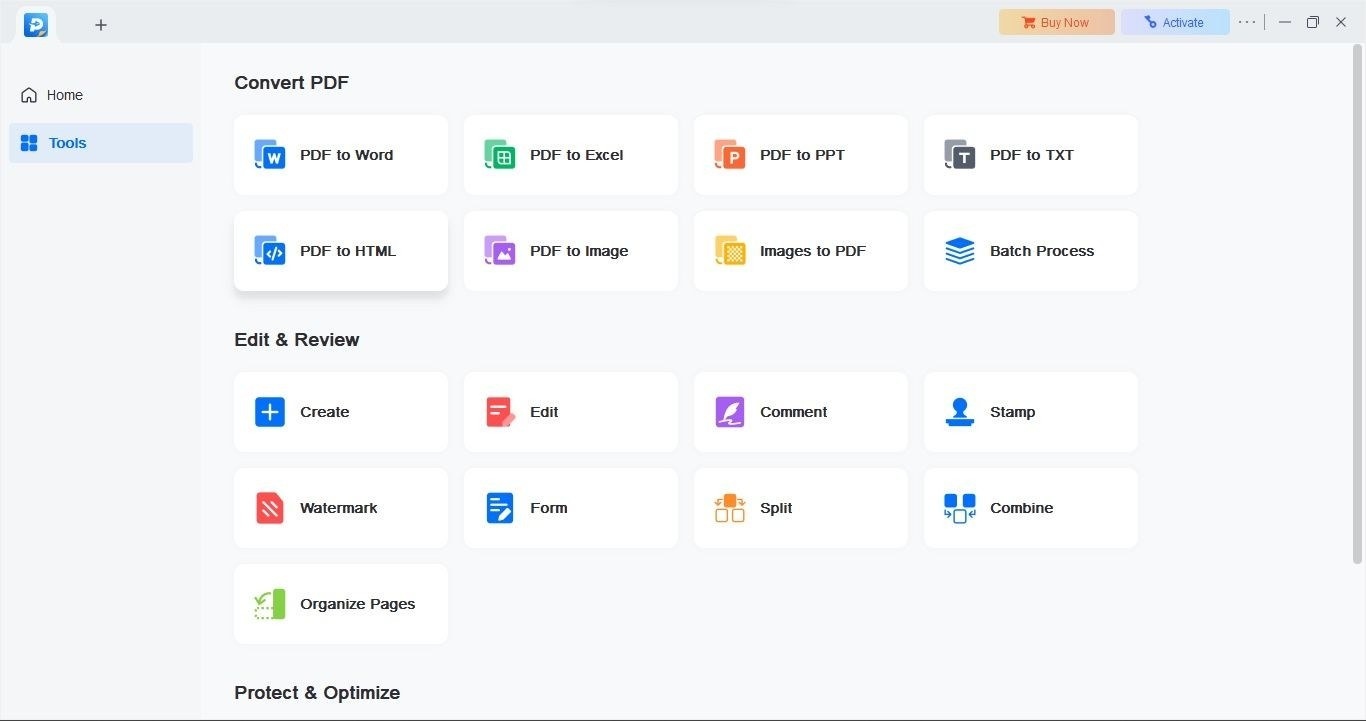
The product overview describes OCR as a way to turn scanned or image-based content into searchable and editable text. That matters when a PDF looks readable on screen but searching cannot find its words. Choose a recognition workflow for that problem rather than assuming ordinary PDF text editing can already see the characters. After conversion, check important names and passages against the page image before relying on the recognized text.
Organize the document after checking recognition
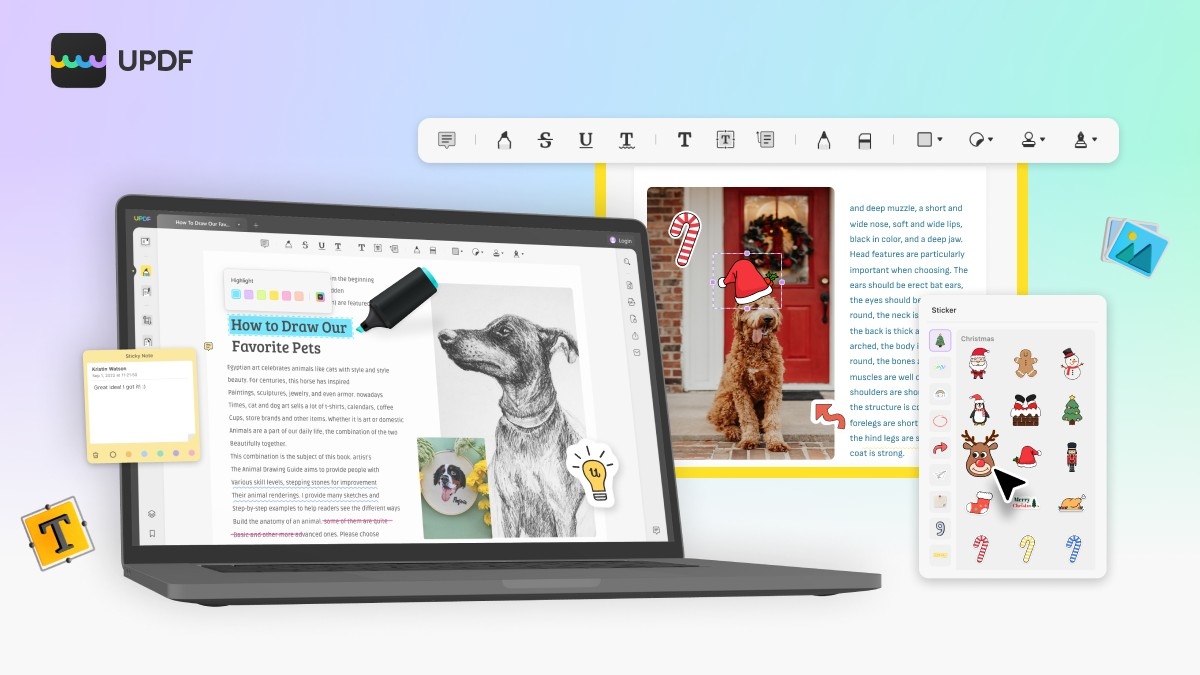
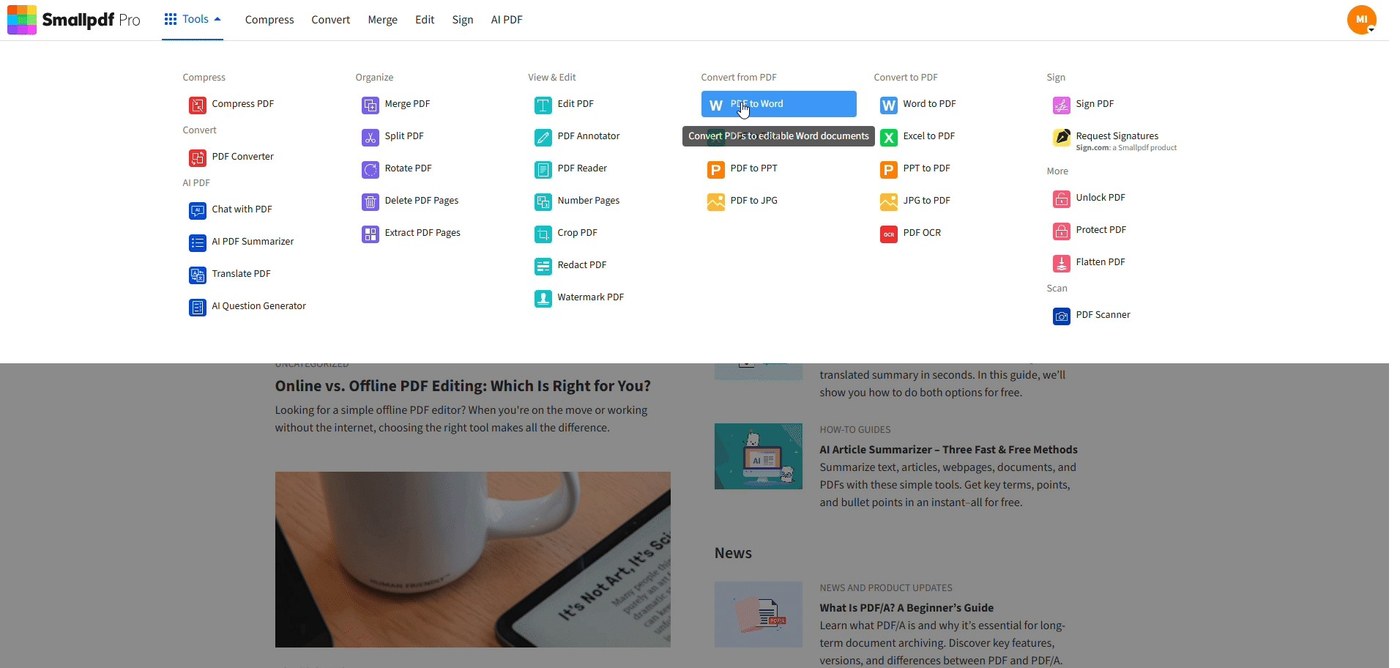
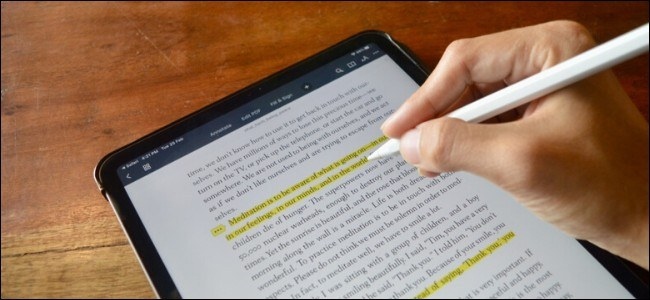
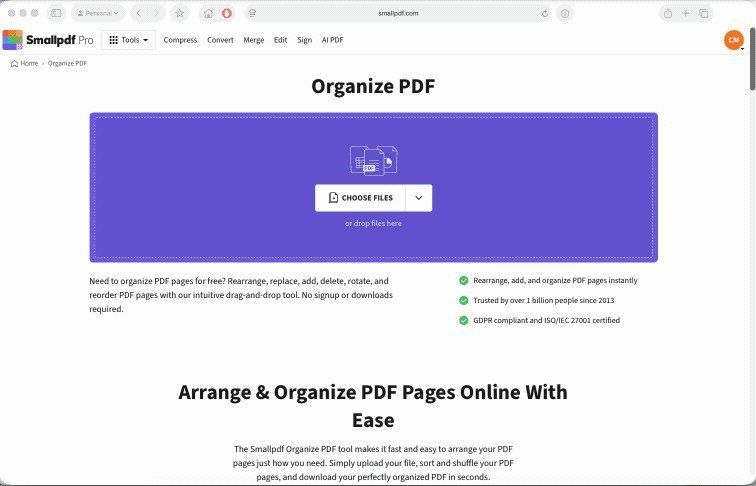
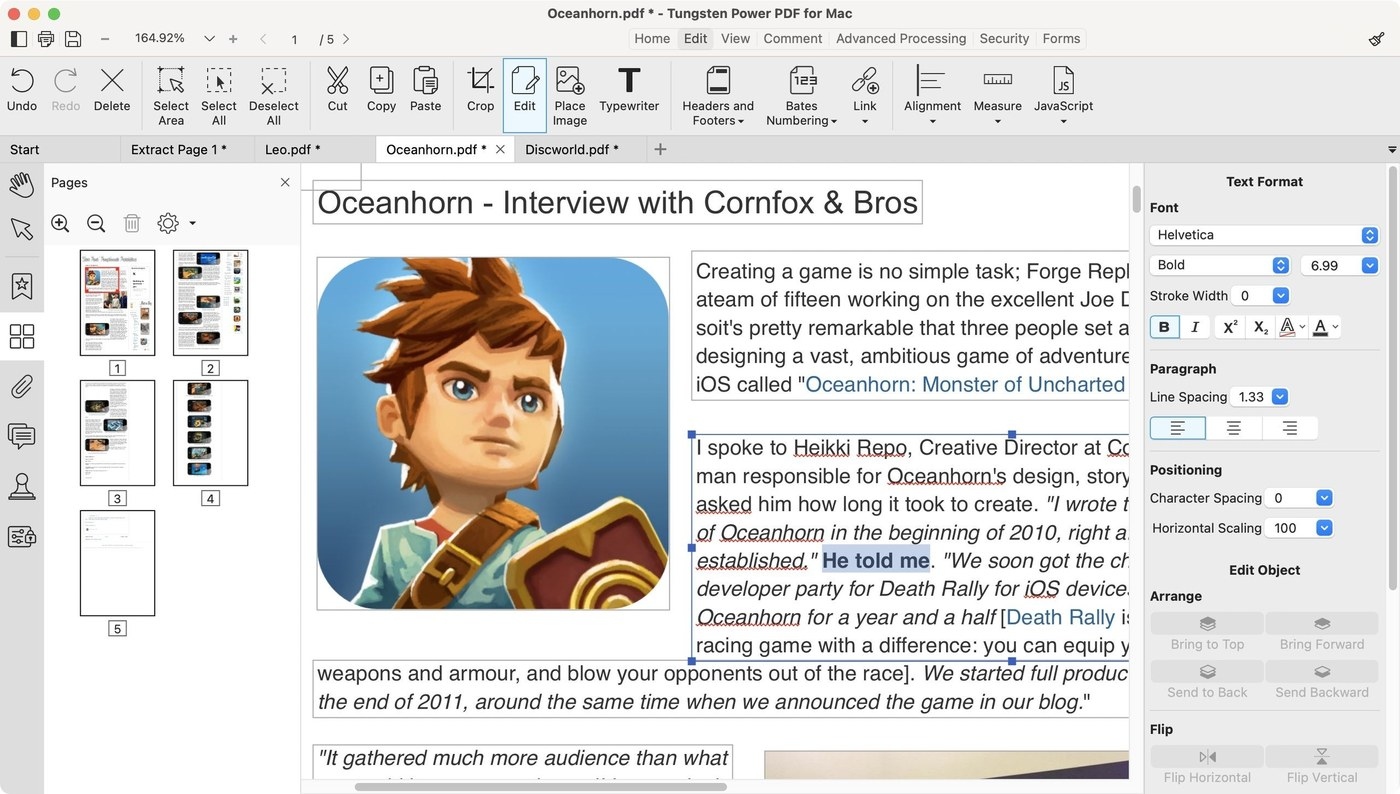
The same source describes extracting, deleting, replacing, rotating, and reordering PDF pages. These tools can separate the required pages from a larger document or correct an assembled sequence. Annotation options include highlights, text boxes, and other review marks. Select the operation that matches the task and save an identifiable result. A searchable output, an extracted page group, and an annotated review copy serve different purposes even when one application supports them all.






Comments
0