 DocumentFlow Desk
Extract only the pages that are needed
The guide demonstrates opening a PDF in Chrome and using its print dialog with Save as PDF and a selected page range. This creates another PDF containing the specified pages. Repeat the process with different ranges when several separate documents are required. Read the page selection carefully and inspect each result; choosing the right output destination alone does not guarantee that the requested pages were included.
Use a page tool for assembly and a review tool for comments
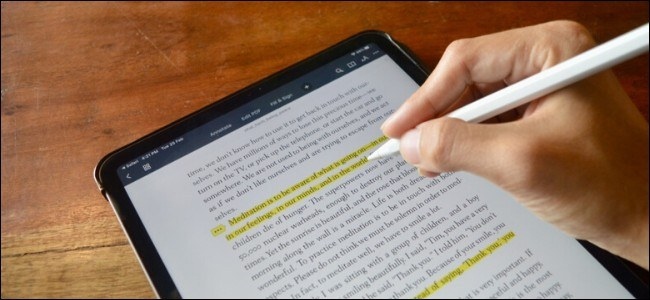
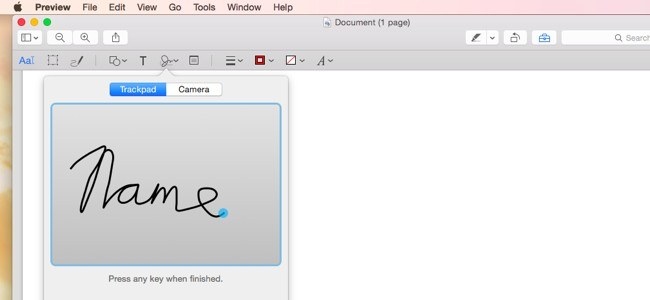
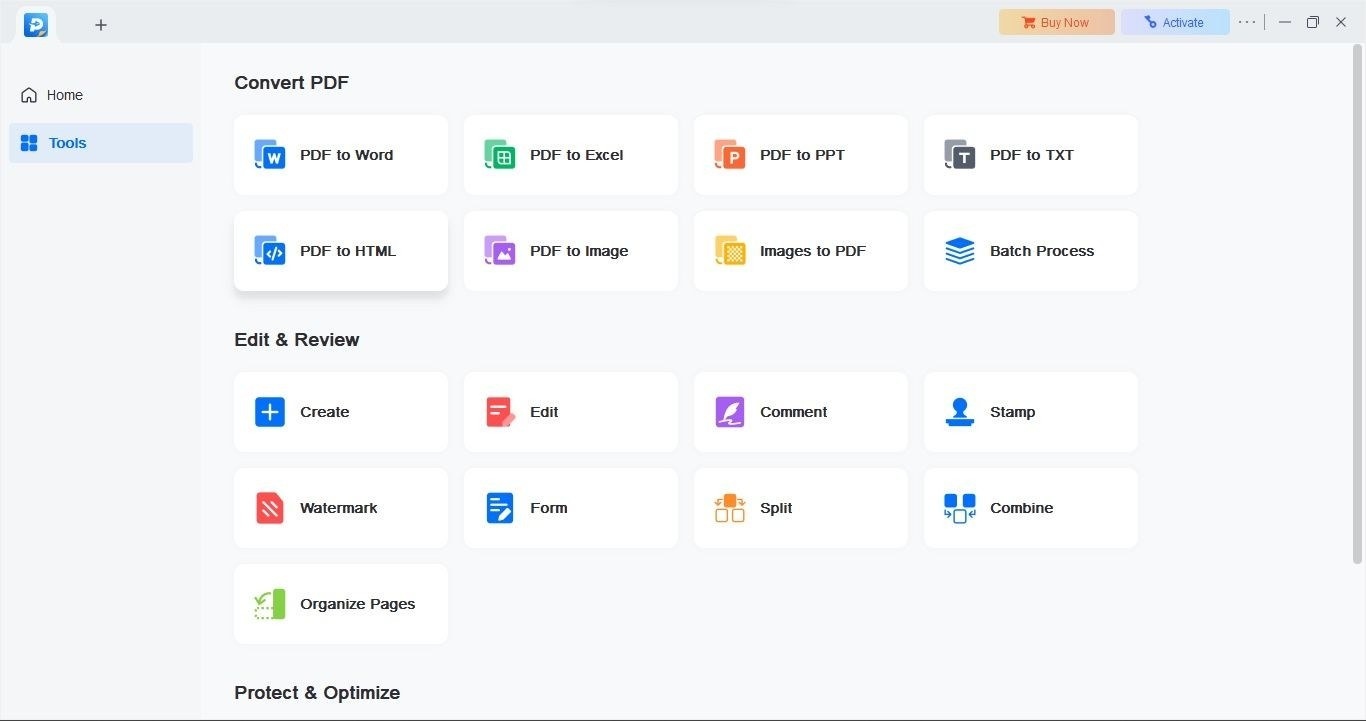
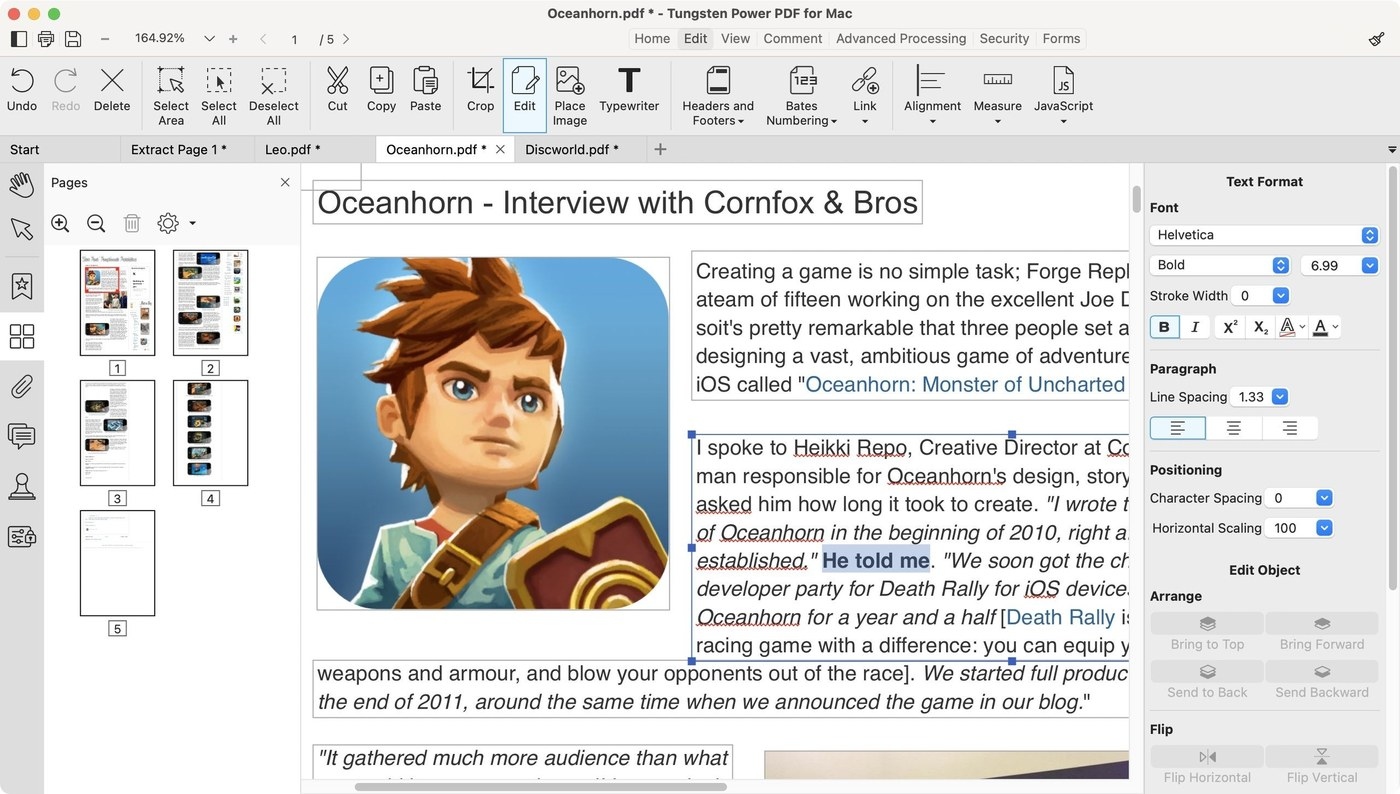
For combining documents and changing page order, the guide discusses PDFsam’s merge and split functions. It separately describes Acrobat Reader features for signing and adding comments or drawings. These operations address different needs, so choose the tool for the action required. The article also warns against uploading sensitive PDFs to unsuitable web services. Preserve a reference copy when reorganizing pages or applying feedback to a document received from someone else.






Comments
0