 DocumentFlow Desk
Add files and review their sequence
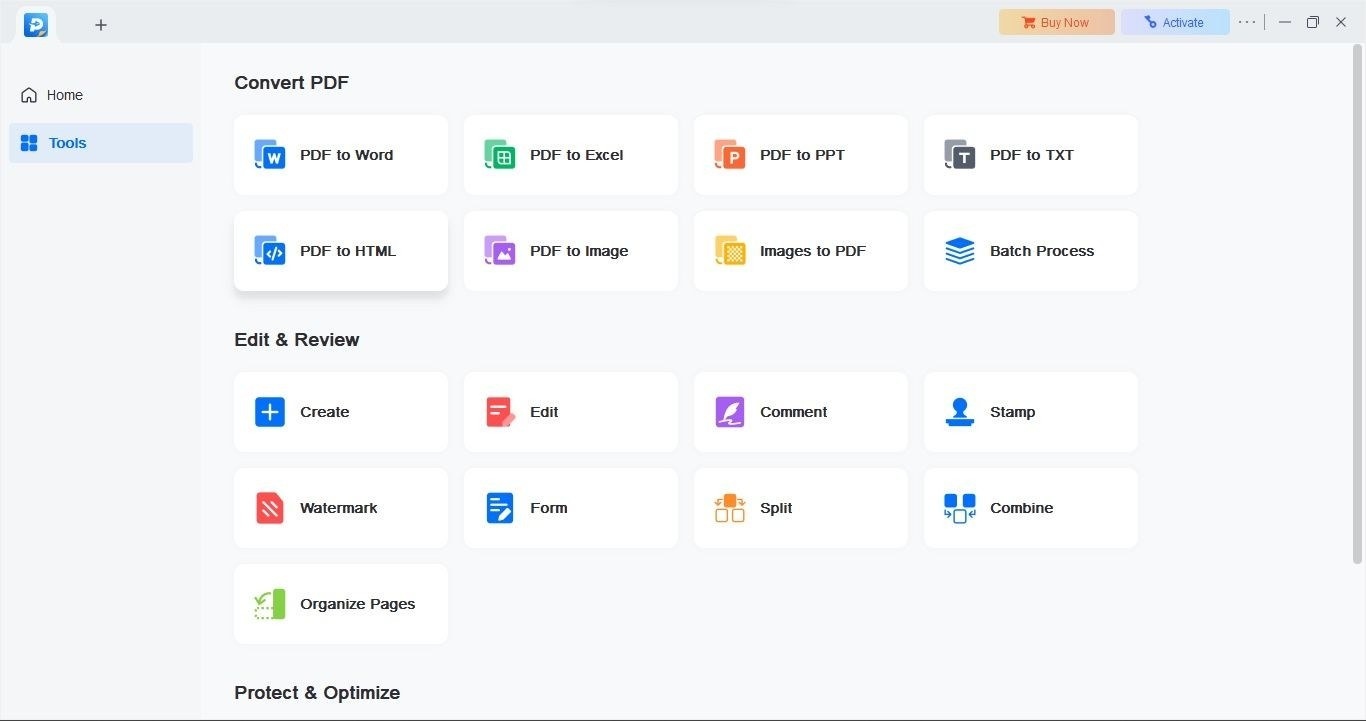
The guide uses PDF Merger & Splitter on Windows 11 as a graphical merge option. Choose Merge PDF and Add PDFs, then select the required source documents. Files can be moved up or down, removed, or previewed before the merge. Their order controls the sequence in the resulting document, so confirm that covers, chapters, and supporting pages appear where the recipient expects them.
Save the output and distinguish merging from extraction
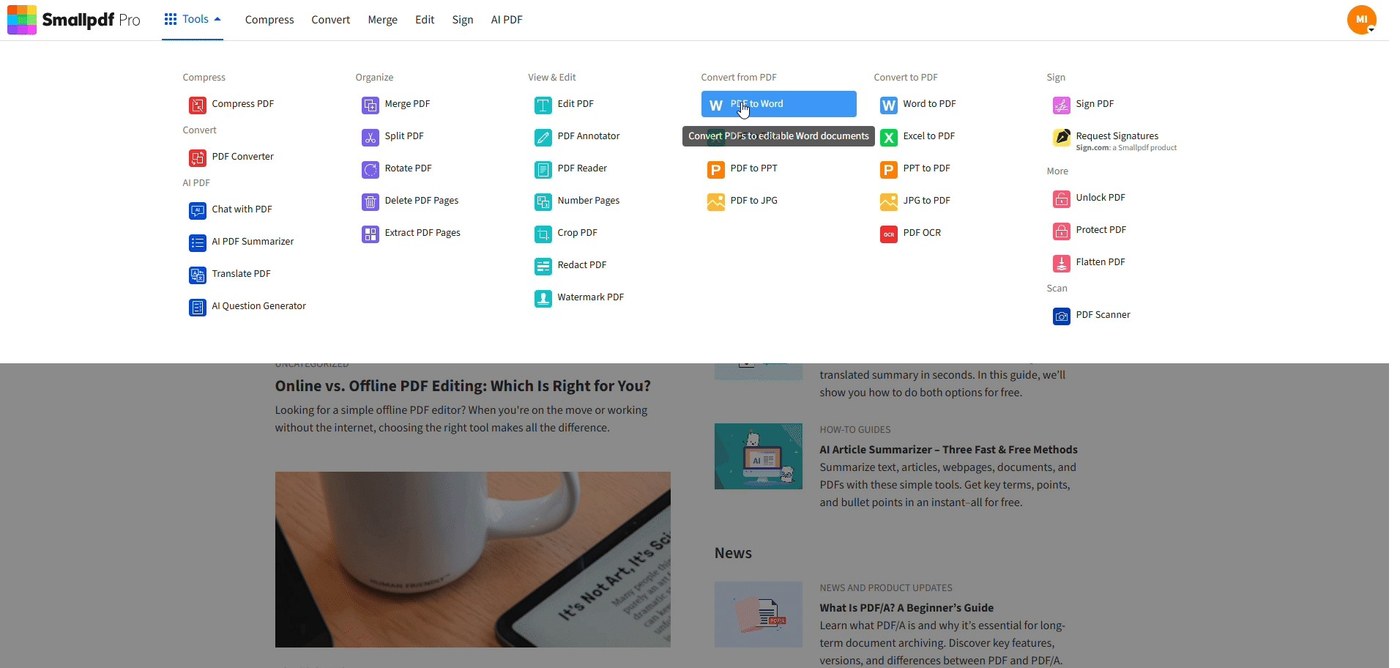
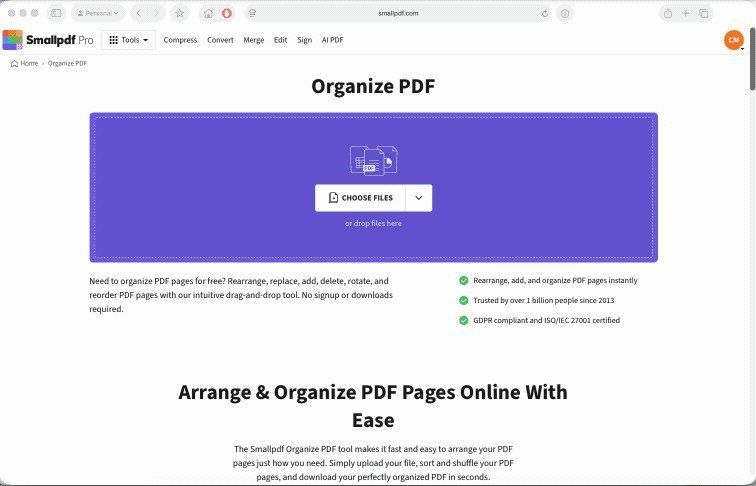
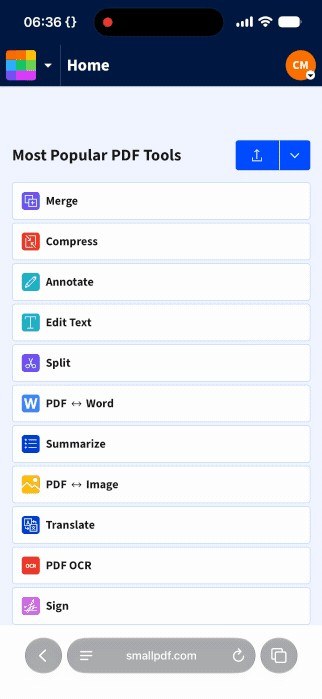
Choose Merge PDF, supply an output name and destination, and open the result to verify it. The same application also provides a Split PDF option for extracting pages into another file, which is a separate operation from adding whole PDFs together. The guide discusses online alternatives as well, but cautions against uploading confidential material to an unsuitable service. A local workflow is useful when the documents need to remain on the computer.




Comments
0