 DocumentFlow Desk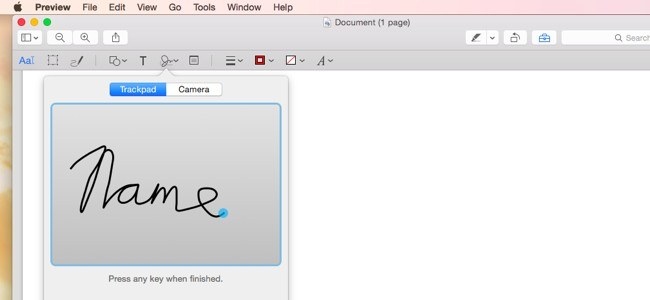
Arrange the required pages in the thumbnail sidebar
Open a PDF in Preview and display Thumbnails from the View menu. Drag another PDF into that sidebar to combine its pages with the open document, then move thumbnails to establish the required order. The same sidebar supports a simple extraction method: dragging a page to the desktop creates a separate PDF containing that page. Check the assembled sequence before saving a combined document.
Add feedback and preserve an appropriate copy
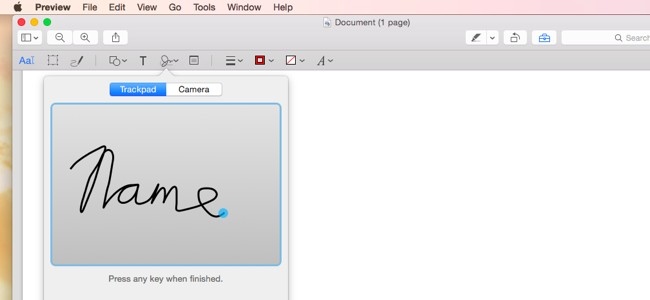
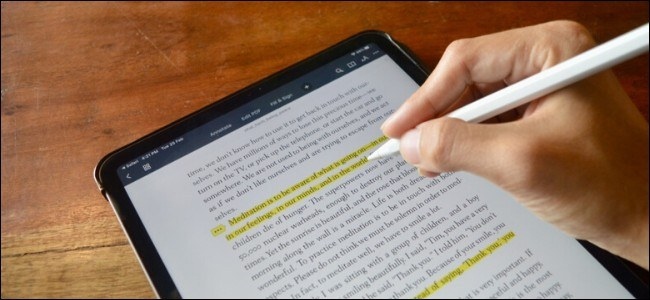
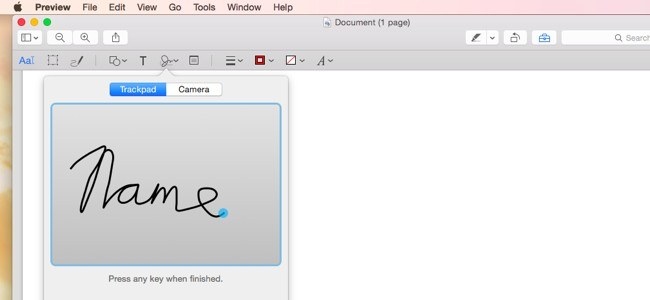
Preview’s markup toolbar includes text, shapes, arrows, lines, highlights, and a signature tool. These add visible material to the page rather than providing the full capabilities of an advanced PDF editor. Use Duplicate when you want a separate working copy, and save after checking the marks. Keeping the original available makes it easier to compare the reviewed version with the material that was first received.





Comments
0