 DocumentFlow Desk
 -
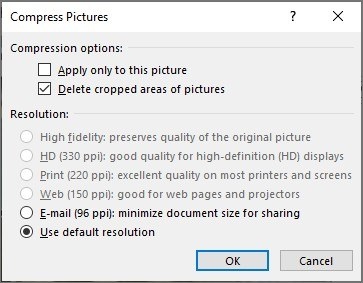
Reduce a Word File by Reviewing Pictures and Embedded Fonts
Image compression and font settings can lower file size, but some changes discard information that cannot be recovered from the edited copy.
-
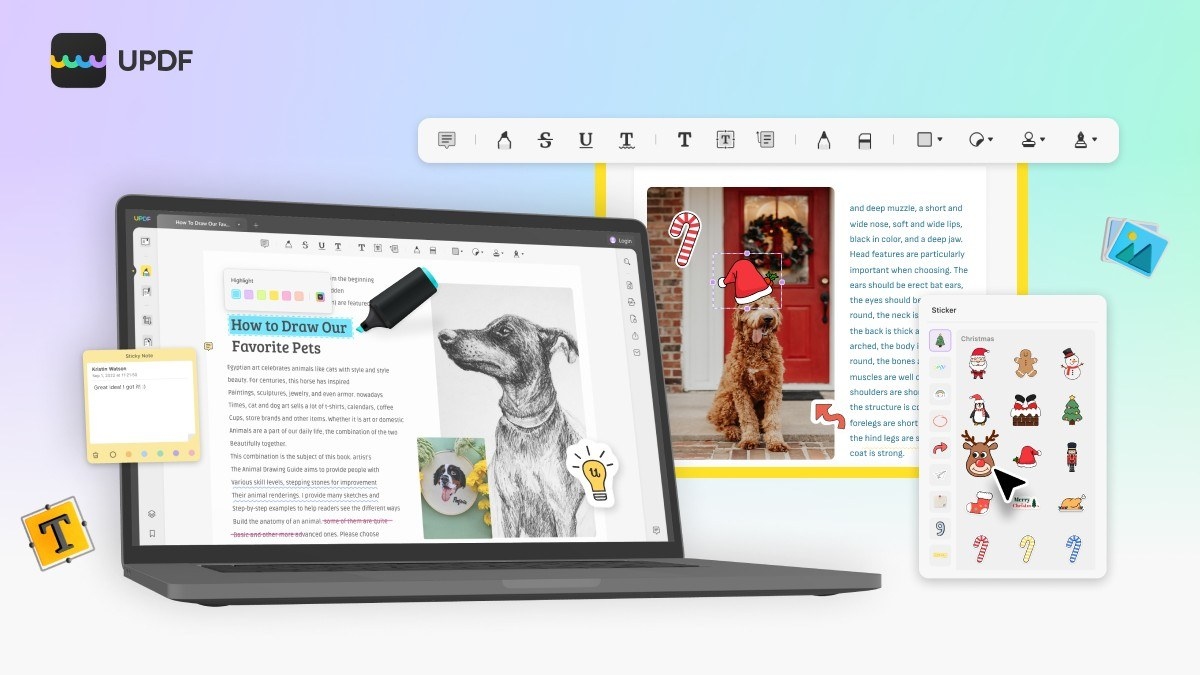
Use OCR and Page Tools for Scanned PDF Workflows
The source describes searchable-text conversion and page organization as separate capabilities in UPDF.
-
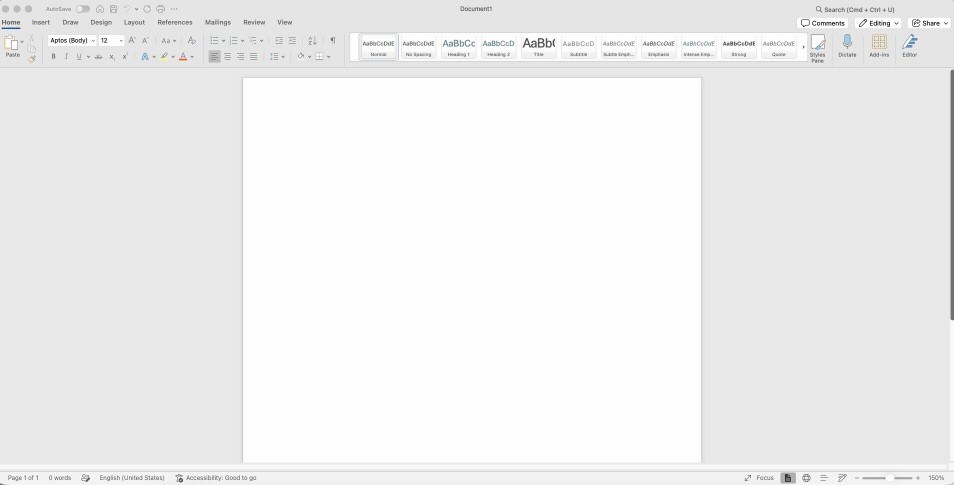
Choose a PDF-to-Word Route Around Document Complexity
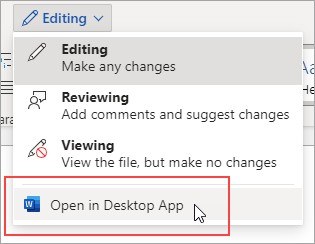
Word can open a PDF by converting a copy, while a browser converter can create a DOCX before editing.
-

Revise the Source Document Before Recreating a PDF
When a PDF originated in an Office application, Microsoft recommends making revisions in the original Office file and saving a new PDF afterward.
-
Attach a PDF Object Within an Office Document
Office can insert a PDF as an object through Insert, Object and Create from File.
-
Extract Selected PDF Pages on Windows 11
Microsoft Edge and Print to PDF can create a separate file containing only the pages needed.
-

Separate PDF Page Extraction from Merging and Annotation
Different PDF tools handle selected-page output, document assembly, and review marks.
-
Merge and Extract PDF Pages with qpdf on Linux
The qpdf command line can combine source PDFs or select particular pages into a new document.
-
Combine PDFs on Windows with a Checked Page Order
A desktop merge tool can assemble PDFs while letting you preview and reorder the source files.
-
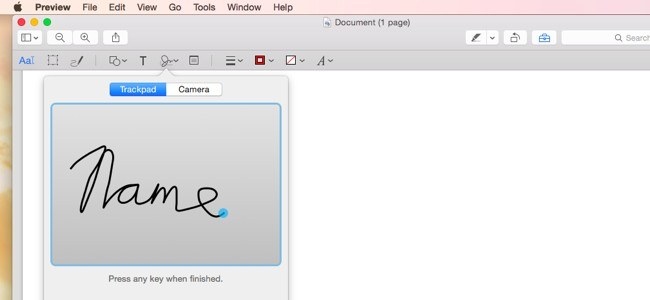
Organize and Mark Up PDFs with Mac Preview
Preview can combine pages, extract a page, and add review marks using its thumbnail sidebar and markup toolbar.

