 DocumentFlow Desk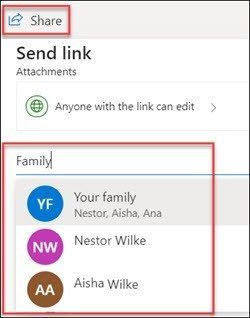
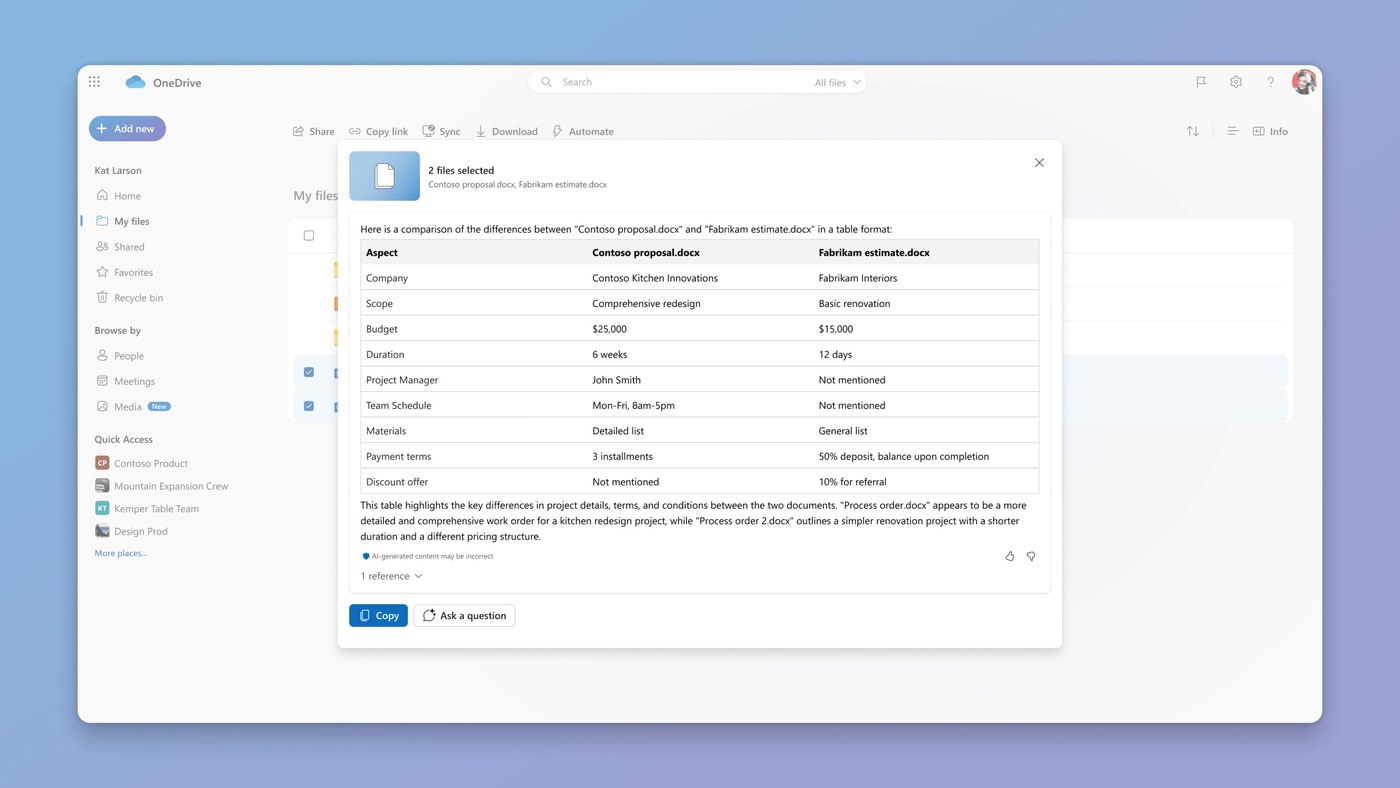
Personal OneDrive accounts can share files and photos with a Microsoft family group or an Outlook group. Define the group first, then sign in to OneDrive on the web and select the file or folder that its members need.
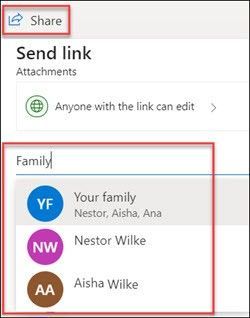
Choose Share, adjust the access and editing permissions, and enter the family or Outlook group name. Review the selected recipients before sending the invitation. Microsoft includes this feature in free and paid OneDrive home plans; the group-sharing workflow described here is unavailable for work or school accounts.









Comments
0