 DocumentFlow Desk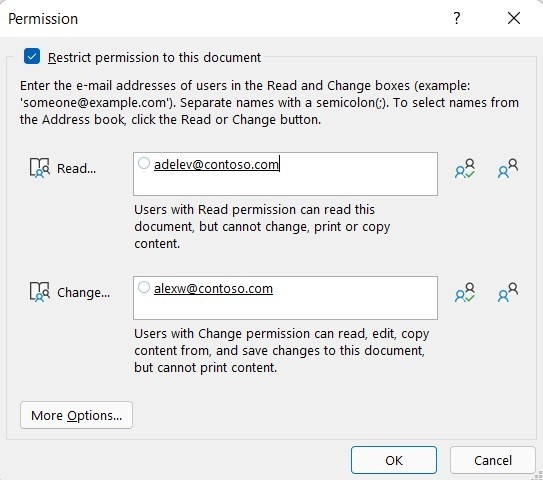
Understand what the permissions apply to
Information Rights Management stores access rules with a supported Word document and checks the user through a licensing service. Depending on the policy, a recipient may be allowed to read but not edit, copy, print, or forward the content. An organization can also define its own rights templates. This is more specific than simply sending someone a file and assuming that the attachment remains under the sender's control.
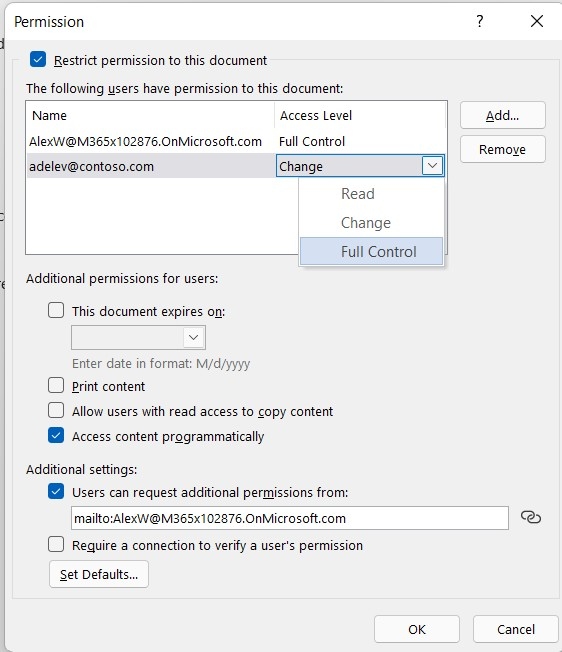
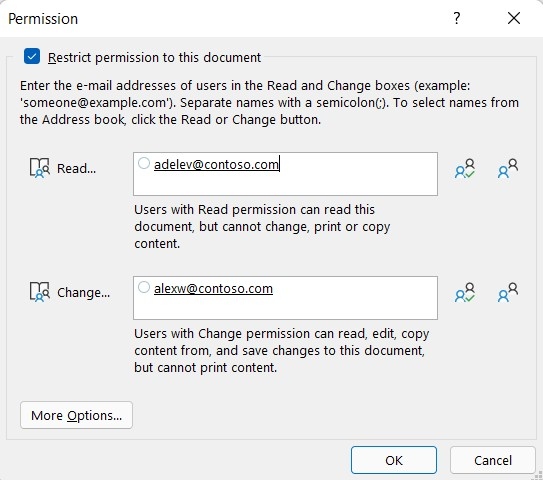
Assign rights within the organization's available policy
In supported desktop Word versions, the controls are reached through File, Info, Protect Document, and restricted permissions. Assign the intended access level to the appropriate people, noting that an administrator may limit the available choices. Opening a restricted file can require an initial connection to obtain a use license. Plan the sharing process around those requirements rather than treating rights management as identical to ordinary editing or cloud-link permissions.









Comments
0