 DocumentFlow Desk
Block editing on a specific passage
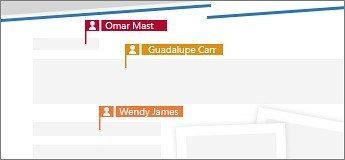
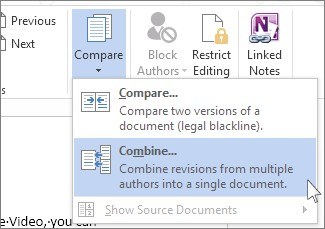
Select the sentence or paragraph that needs to remain unchanged, then use Review, Protect, and Block Authors in a shared Word document. The restriction applies to the selected text rather than automatically making the entire file read-only. An indicator shows collaborators which passage is protected. If the command is unavailable, check that the document is actually shared and that text, rather than an image or another object, is selected.
Remove the restriction when the review moves on
A protected passage can be released from its indicator or through the Block Authors menu. The menu also provides a way to release all areas blocked by the current author, with slightly different wording on Windows and Mac. This makes the feature useful for temporarily preserving agreed wording while colleagues continue editing other sections. Reconsider the restriction when the reason for protecting that passage has passed.










Comments
0