 DocumentFlow Desk
Keep proposed changes visible
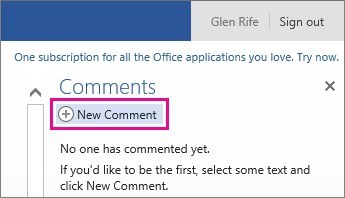
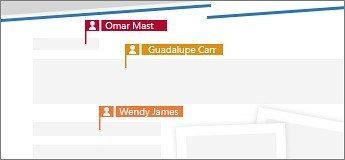
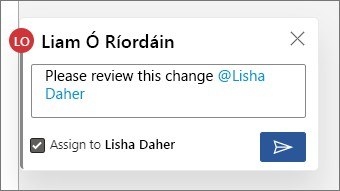
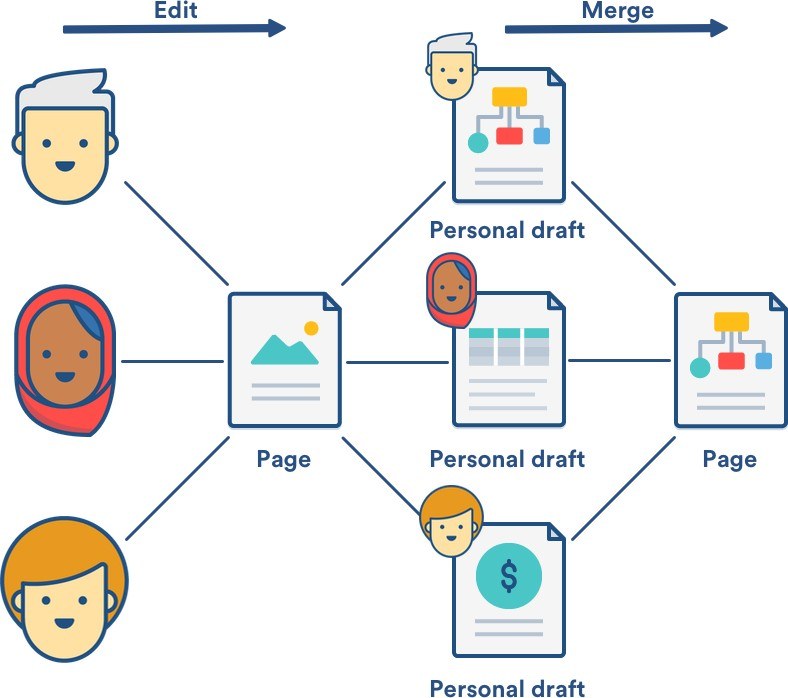
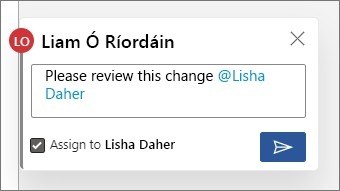
The TechRadar review describes real-time collaboration as a central Google Docs feature. Collaborators can work in the same file, with visible indicators showing who is present and where they are editing. Comments give a discussion a location in the document, while suggestions propose changes that can be accepted or rejected. These are useful distinctions when several people need to review wording without immediately treating every proposal as final text.
Use history to understand the document’s development
The review also describes version history as a way to examine previous document states and restore an earlier version. That complements the comment history rather than replacing it: one records changes to the document, while the other preserves conversations about the work. Choose the tool that matches the question, whether it concerns a suggested sentence, a reviewer’s explanation, or the content of an earlier draft.



Comments
0