 DocumentFlow Desk
Give each person the appropriate level of access
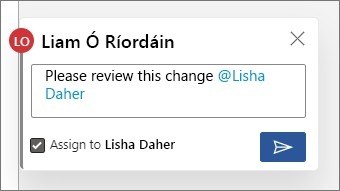
Google’s sharing help distinguishes Viewer, Commenter, Editor, and Owner. Viewers read, commenters add feedback, and editors can change the document. Owners can control some sharing and download-related options. When inviting someone, select a role that matches the work and inspect the sharing settings. A person who only needs to recommend wording does not automatically need permission to change all the document’s content.
Review the parent folder when permissions appear too broad
The help page explains that access applied to a folder is inherited by the files inside it. A lower permission on an individual file cannot simply override a higher permission inherited from its parent. Review the containing folder or use an appropriately limited-access subfolder when the audience must differ. After changing access, verify both the file and its location so the intended restriction is effective within the actual sharing structure.








Comments
0