 DocumentFlow Desk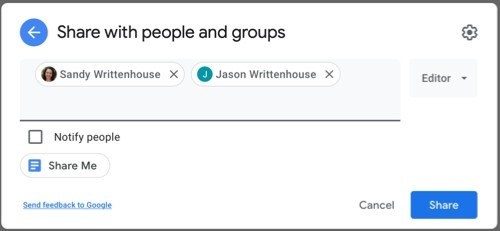
Match each collaborator’s role to the work
The guide describes opening Share in Google Docs and adding people by name or email address. An Editor can change content and handle suggestions, while a Commenter can add comments and propose changes. A Viewer receives reading access. For a review that needs recommendations without direct edits, Commenter can be the appropriate starting point. Check the actual role instead of assuming that receiving a document link grants editing access.
Inspect broad links and sharing settings
The sharing dialog distinguishes Restricted access from Anyone with the link. Review that setting together with the selected permission. Additional controls can limit an editor’s ability to change permissions or share, and can hide download, print, and copy actions from viewers and commenters. These controls define the intended collaboration workflow, though they should not be treated as a guarantee against every way of reproducing visible information. Recheck access after the review is finished.

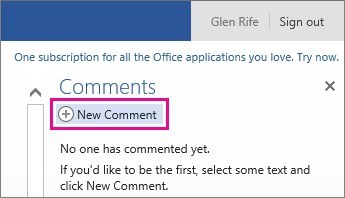




Comments
0